
V720 CAMERA
Download and install the App
Please download and install the V720 app on your mobile device by searching V720 on the App Store or Google Play or click the button below.
Device function explanation
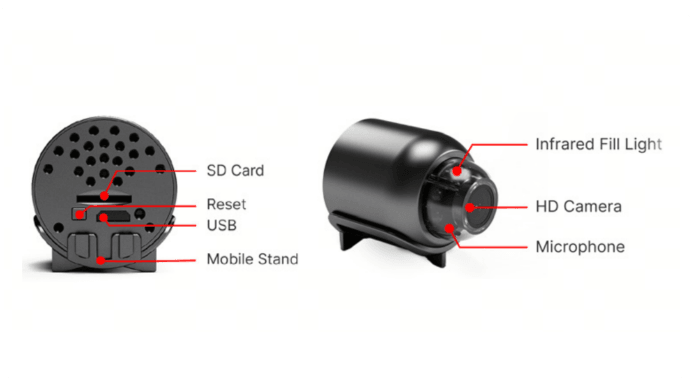
Add device
1. According to the guidance in the figure below, the blue indicator light flashes slowly when the device is plugged into the power supply, and the blue indicator light flashes quickly by pressing and holding the Reset button to reset the device.
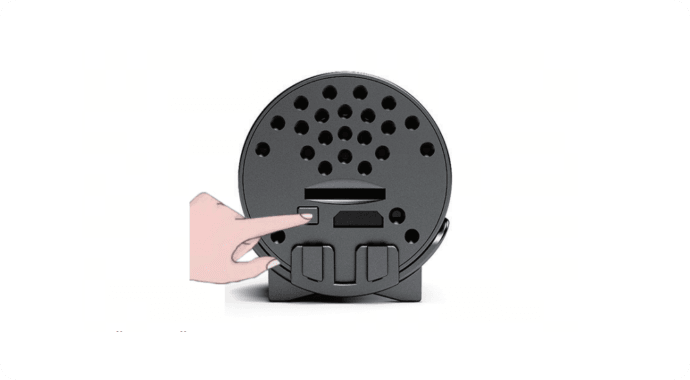
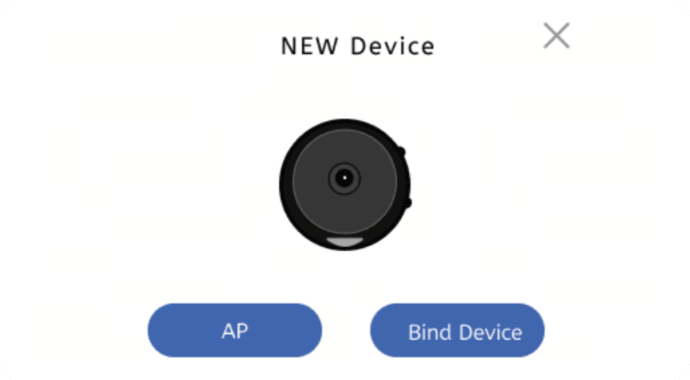
2. Open the "V720" App, wait for the pop-up window when a new device is found, and click to bind the device. (If there is no new device pop-up window, please click the "+" in the upper right corner of the home page to add a device)
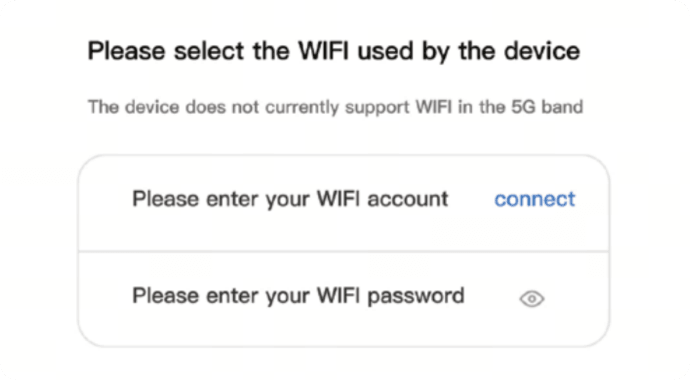
3. Select or enter the Wi-Fi account you want to configure and fill in the password. (Note that only the 2.4GHz frequency band is supported)
4. Wait for the device to be bound successfully.
AP Mode
1. According to the guidance in the figure below, the blue indicator light flashes slowly when the device is plugged into the power supply, and the blue indicator light flashes quickly by pressing and holding the power button.
2. Turn on Wi-Fi on your mobile phone and connect to the Wi-Fi hotspot starting with "NAX_".
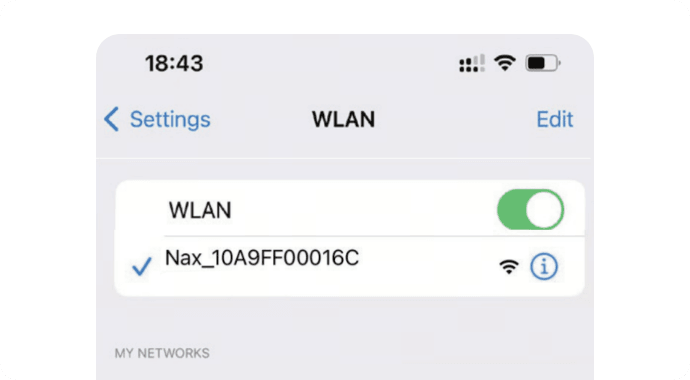
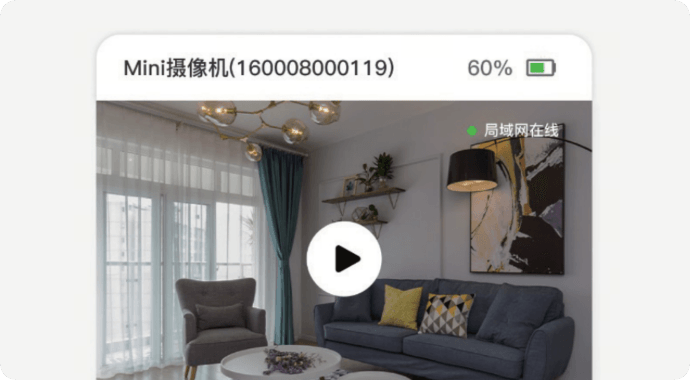
3. Return to the "V720" App and refresh the drop-down list. When the device is displayed, the short-range mode connection is successful.
Matters needing attention
1. The applicable working temperature of this product is -10°C~50°C. Please do not use this product in an environment where the temperature is too high or too low.
2. This product is a precision electronic product. Please do not use this product in an excessively wet environment or where water may enter the product.
3. To better use this product, please avoid placing the front and side of the lens close to glass, white walls, or other reflective objects, in order to prevent the picture from appearing bright near and dark in the distance.
4. Please ensure that this product is installed within the range of Wi-Fi signal coverage, and placed as far as possible in a location with better Wi-Fi signal, and try to install it far away from the microwave oven or other locations that may affect the signal.